CASE STUDY
How World Kinect created interactive courses that captivated their entire team

Brain
The first AI trained to teach

Author
The #1 AI-powered authoring tool on the market

Factory
Custom e-learning content factory

Skills
Comprehensive power skills course catalog

LMS
All-in-one LMS platform with AI

Engage
App for managing frontline teams
FEATURES

AINew
Unlock your full potential and speed up course creation with artificial intelligence.

Accessibility
Automatically meet accessibility guidelines—without sacrificing interactivity!

Interactivity
Boost engagement with interactive, ready-to-use activities that make learning fun.

Course Creation
Reduce the time it takes to create your e-learning courses with our authoring tool.

Distribution
We offer you different distribution options, so that nothing can stop you.

SCORM
Publish your course in SCORM format and share it on any LMS.
SERVICES

Instrucional Design
Surprise your students with multimedia and interactive content.

Custom Courses
We create e-learning courses for you—tailored to your needs and hassle-free!

Virtual Reality
Turn learning into an immersive experience.

Custom Avatars
Give your courses and videos a unique touch with personalized avatars.

Audiovisual FactoryNew
Turn training into something dynamic and visual with engaging videos.
CATALOG

Course catalog
Over 600 skills and competency courses to help you adapt to your team's needs.
Microsoft Copilot AcademyNew
Your professionals will learn how to apply Copilot AI to key processes within your organization.

Artificial Intelligence Academy
Train your teams in the practical use of AI to boost productivity and innovation in your company.

Cybersecurity Academy
Capacita a tu empresa con el catálogo más completo en seguridad digital corporativa.

Use cases
Choose the solution that best fits your needs

Industries
Solutions for all types of industries
USE CASES

Onboarding
Facilitate the onboarding process, productivity and engagement of your new employees.

Upskilling
Boost your team's skills and prepare them for the challenges of the future with upskilling.

Microlearning
Discover all the advantages of microlearning and boost your training results.

Gamification
Enjoy addictive training that will get your professionals hooked.

Internal Communication
Improve communication in your company and enjoy an aligned and committed team.

Mobile learning
Agile, flexible, and interactive learning—built for today’s digital-first workforce.
INDUSTRIES

Banking and financial services
Training in compliance, cybersecurity, customer service, and key skills development.

Pharmaceuticals and healthcare
Digital onboarding, regulatory updates, and ongoing training for healthcare staff.

Retail and consumer
Agile and scalable training for in-store, operational, and customer service teams.

Industry and manufacturing
Training in processes, safety, and corporate culture for distributed teams.

Education and training
Digital solutions for training centers, internal academies, and corporate universities.

Technology and telecommunications
Development of technical talent, digital skills, and upskilling and reskilling programs.
CLIENTS

MAPFRE
How MAPFRE turn e-learning into sales with isEazy

Pepco
A personalised learning experience for a growing team.

BBVA
Digitisation and creation of high quality e-learning content.

Shiseido
We increase the engagement of the training with a social and gamified app.

Telefónica
Large-scale reskilling for the company's digital transformation.

Vodafone
A personalised learning experience for a growing team.
More than 1,000 companies already rely on isEazy.





MEET ISEAZY

Events
Discover our upcoming events and connect with the future of e-learning.

News
Find out the latest news about isEazy: press releases, partnerships, updates...

Contact
Leave us your personal details and we will contact you as soon as possible.
About isEazyNew
Find out more about our company.

Careers
We are looking for the best talent, join our team!

Partners
Become our partner and grow your business.
INTERESTING RESOURCES

Blog
The best content on e-learning: trends, tools and key strategies.

Whitepapers
Gain valuable insights and stay ahead of industry trends.

Product releases
The latest news and releases of our e-learning products and solutions.

Glossary
Definitions of the most commonly used terms and key industry concepts.

Guides
Discover the best step-by-step tips and tricks to optimize your L&D strategy.

Webinars
Video sessions on our products, trends and more

Comparatives
Compare e-learning solutions available on the market and choose the most suitable one.


WEBINAR
Master AI in isEazy Author in under an hour.




GUIDE
Prepare your organization to comply with the new AI regulations


AUTHORING TOOL
Create courses automatically and generate interactive activities, games, translations, and multimedia resources in seconds.

Stay up to date with all our latest news
 Subscribe to our newsletter
 Stay up to date with all our latest news

May 6, 2026

CONTENT CREATED BY:

Table of contents
Choosing the right teaching method can make the difference between a course employees complete and remember, and one they abandon halfway through. In a corporate environment where training time competes with daily workload, the method is not a technical detail: it is a strategic decision.
This guide explains the main teaching methods applicable to corporate e-learning, how to distinguish them from teaching strategies, and above all, what criteria to use when choosing the most suitable one depending on your learning objective, your audience and your production resources.
A teaching method is the specific way in which the teaching-learning process is organised: what the instructor does, what the learner does, the order in which content is covered and what type of activities mediate between them. In the context of e-learning, the method determines whether the learner receives information passively, constructs it actively, learns by solving real problems or does so competing with others.
It should not be confused with the teaching strategy, which is the overall plan that integrates several methods, resources, timings and assessments within a complete learning itinerary. The method is the “how” at each moment of the course; the strategy is the “what” and the “when” throughout the entire programme.
Choosing the right method matters because it directly affects three key variables in corporate training:
These are the most widely used methods in corporate settings, with their key features and optimal use contexts:
The learner receives information in a structured way through videos, presentations or texts. It is the most efficient method for transmitting large volumes of information in a short time, and works well for initial onboarding or as a conceptual foundation before more complex activities. Its limitation is passivity: without reinforcement activities, retention is low.
The learner starts from a real case or problem and builds knowledge through its resolution. It is particularly powerful for developing analytical and decision-making competencies. Ideal for training middle managers, commercial profiles or any role where resolving complex situations is part of daily work.
Content is broken down into short learning pills (between 3 and 7 minutes) focused on a single learning objective. It is the method with the highest completion rates in mobile environments and for audiences with heavy operational workloads. Particularly effective for product training, compliance and reinforcing specific skills.
It incorporates game mechanics—points, challenges, leaderboards, rewards—into the course design to increase motivation and retention. It is not a method in itself, but a layer applied on top of others: you can gamify an expository course or a problem-based one. It requires a greater investment in design and production, but the engagement results are notable.
Knowledge is conveyed through a narrative: characters, situations, conflicts and resolutions that contextualise the content in real-life scenarios. It is highly effective for soft skills training, corporate culture and company values. It generates empathy and facilitates transfer because the learner “lives” the situation before facing it at work.
The learner makes decisions in a simulated environment and receives immediate feedback on the consequences. It is the method with the greatest impact on job transfer, though also the most costly to produce. Particularly useful for customer service, sales, crisis management and risk process training.
Knowledge is built through interaction with others: forums, group projects, peer review, communities of practice. In asynchronous e-learning it requires careful design to avoid dispersion, but it is the most effective method for developing complex skills and creating a culture of continuous learning in the organisation.
| Method | Ideal content type | Learner profile |
|---|---|---|
| Expository | Conceptual, normative, onboarding | Any profile, especially new employees |
| PBL | Complex competencies, decision-making | Middle managers, technical or commercial profiles |
| Microlearning | Specific skills, compliance, product | Profiles with high operational workload, mobile-first |
| Gamification | Reinforcement, motivation, retention | Teams with high turnover or low prior engagement |
| Storytelling | Soft skills, corporate culture, values | Entire organisation; especially onboarding |
| Simulation | Critical processes, customer service, sales | Profiles with direct responsibility for results |
| Collaborative | Complex skills, leadership, innovation | Senior teams, talent development programmes |
There is no universally correct method. The choice depends on four criteria that should be analysed before designing any course:
What should the learner be able to do by the end of the course? If the objective is to know a procedure, the structured expository method is sufficient. If the objective is to apply that procedure under pressure or in the face of unforeseen variables, you need PBL or simulation. Defining the verb of the objective—know, understand, apply, analyse, create—points you directly towards the right method.
Who will take the course? A frontline employee who only has mobile access needs microlearning. A middle manager with capacity for reflection can benefit from PBL. A team with low prior motivation for training benefits more from gamification. The audience is not a cosmetic detail in the brief: it is the primary decision filter.
Is the content conceptual, procedural or attitudinal? Conceptual content (what it is, how it works) is well suited to expository learning or storytelling. Procedural content (how to do it) requires simulation or guided practice. Attitudinal content (how I behave) is better developed through PBL, collaborative learning or emotional storytelling.
This criterion is often overlooked during the design phase and causes frustration later. A complex simulation can take months to develop without the right tool. Interactive microlearning requires an authoring tool that allows it to be produced efficiently without depending on developers. Choosing a method without considering what you can produce with the available resources leads to compromises that degrade the learning experience.

Knowing the common pitfalls is just as valuable as knowing the right criteria. These are the most frequent in corporate settings:

Choosing the right teaching method is only half the work. The other half is having the right tool to bring it to life with quality and without depending on a technical team. Modern authoring tools have evolved to enable L&D professionals to produce interactive, gamified or simulation-based courses autonomously. Here are some of the most valued options on the market:

Features
Benefits
Pricing
Accessibility
Awards
Features
Benefits
Pricing
Accessibility
Awards

Key Features
Benefits
Pricing
Key Features
Benefits
Pricing

Key Features
Benefits
Pricing
Key Features
Benefits
Pricing
World Kinect, a global energy management company, used isEazy Author to optimise the creation of its e-learning courses and increase employee engagement with interactive content. The result: greater production efficiency and a more compelling learning experience for their teams. Discover how they did it →
CASE STUDY
How World Kinect created interactive courses that captivated their entire team


Teaching methods are not a purely pedagogical matter: they are a strategic decision that determines the real impact of training on the business. Choosing well means knowing the objective, the audience, the content and the available resources—including the tool with which you will produce the course.
At isEazy, we have found that the L&D teams that achieve the best results are those that combine clear pedagogical criteria with tools that allow them to bring those methods to life without technical friction. Because it is pointless designing the perfect learning experience if you cannot produce it with the quality it deserves.
To make it as simple as possible, we invite you to discover AI Autopilot, the isEazy Author feature that lets you create complete courses automatically with AI. Transform your ideas or documents into courses with pedagogical structure, design and interactivity, in minutes.
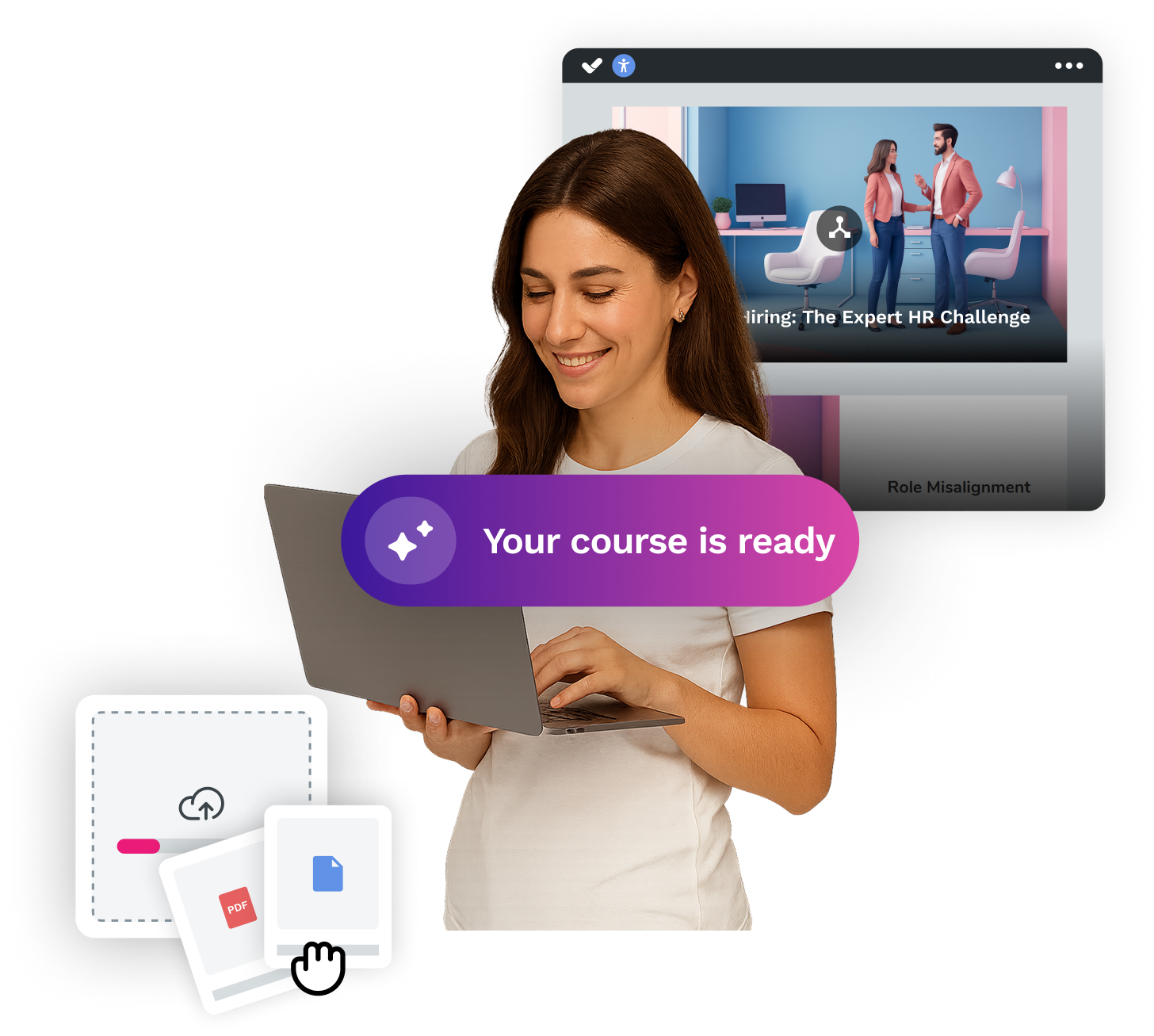
The AI analyses your content and automatically generates a pedagogically sound structure. It also selects the most effective resource type at each point. Games, comparisons, videos, role plays… in just one click. Plus, enjoy a 100% accessible result ready to share on your LMS. Stop spending your time laying out courses. Now you can take on all your training projects, stress-free.
If you would like to explore how isEazy Author can help you create courses with any teaching method in an agile way and without coding, we invite you to request a demo.
There is no universally superior method: effectiveness depends on the learning objective, the learner profile, and the type of content. For procedural skills, simulation and problem-based learning deliver the best results. For conceptual content, structured expository learning combined with microlearning works very well. The key is to match the method with the right format and the right authoring tool to produce it.
Yes, and it is actually a recommended practice in corporate training. The most common approach is to combine 2 or 3 methods within a single course: for example, an initial expository block to establish the conceptual foundations, followed by a practical case or simulation to apply what has been learned, and gamification to reinforce retention. What matters is that each method has a clear purpose within the learning path and that the transitions between them feel coherent to the learner.
Although the terms are often used interchangeably, they have different meanings. A teaching method is the specific approach used to organise learning: expository, problem-based, gamified, etc. A teaching strategy is broader: it encompasses the sequence of methods, resources, timings, and assessment within a complete training plan. In other words, the strategy defines the “what” and the “when”, while the method defines the “how” teaching happens at each point in the course.
More than it might seem. The authoring tool determines what types of interactivity you can produce efficiently: if you want to apply gamification, you need a tool that lets you create point mechanics, challenges, and rewards without relying on a developer. If you opt for simulations or branching scenarios, the tool must support that kind of logic. Choosing a method without considering your available production capabilities leads to compromises that undermine the learning experience. That is why method and tool should be decided together, not separately.

WEBINAR ONDEMAND
Discover how artificial intelligence can become your main ally in the creation of your e-learning courses.
Watch recording


Activate autopilot and create courses at AI speed
Transform your ideas or documents into spectacular courses automatically, with the #1 AI authoring tool on the market.
Activate autopilot and create courses at AI speed
Transform your ideas or documents into spectacular courses automatically, with the #1 AI authoring tool on the market.