


Brain
The first AI trained to teach

Author
The #1 AI-powered authoring tool on the market

Factory
Custom e-learning content factory

Skills
Comprehensive power skills course catalog

LMS
All-in-one LMS platform with AI

Engage
App for managing frontline teams


FEATURES

AINew
Unlock your full potential and speed up course creation with artificial intelligence.

Accessibility
Automatically meet accessibility guidelines—without sacrificing interactivity!

Interactivity
Boost engagement with interactive, ready-to-use activities that make learning fun.

Course Creation
Reduce the time it takes to create your e-learning courses with our authoring tool.

Distribution
We offer you different distribution options, so that nothing can stop you.

SCORM
Publish your course in SCORM format and share it on any LMS.

SERVICES

Instrucional Design
Surprise your students with multimedia and interactive content.

Custom Courses
We create e-learning courses for you—tailored to your needs and hassle-free!

Virtual Reality
Turn learning into an immersive experience.

Custom Avatars
Give your courses and videos a unique touch with personalized avatars.

Audiovisual FactoryNew
Turn training into something dynamic and visual with engaging videos.

CATALOG

Course catalog
Over 600 skills and competency courses to help you adapt to your team's needs.
Microsoft Copilot AcademyNew
Your professionals will learn how to apply Copilot AI to key processes within your organization.

Artificial Intelligence Academy
Train your teams in the practical use of AI to boost productivity and innovation in your company.

Cybersecurity Academy
Capacita a tu empresa con el catálogo más completo en seguridad digital corporativa.


Use cases
Choose the solution that best fits your needs

Industries
Solutions for all types of industries
USE CASES

Onboarding
Facilitate the onboarding process, productivity and engagement of your new employees.

Upskilling
Boost your team's skills and prepare them for the challenges of the future with upskilling.

Microlearning
Discover all the advantages of microlearning and boost your training results.

Gamification
Enjoy addictive training that will get your professionals hooked.

Internal Communication
Improve communication in your company and enjoy an aligned and committed team.

Mobile learning
Agile, flexible, and interactive learning—built for today’s digital-first workforce.
INDUSTRIES

Banking and financial services
Training in compliance, cybersecurity, customer service, and key skills development.

Pharmaceuticals and healthcare
Digital onboarding, regulatory updates, and ongoing training for healthcare staff.

Retail and consumer
Agile and scalable training for in-store, operational, and customer service teams.

Industry and manufacturing
Training in processes, safety, and corporate culture for distributed teams.

Education and training
Digital solutions for training centers, internal academies, and corporate universities.

Technology and telecommunications
Development of technical talent, digital skills, and upskilling and reskilling programs.
CLIENTS

MAPFRE
How MAPFRE turn e-learning into sales with isEazy

Pepco
A personalised learning experience for a growing team.

BBVA
Digitisation and creation of high quality e-learning content.

Shiseido
We increase the engagement of the training with a social and gamified app.

Telefónica
Large-scale reskilling for the company's digital transformation.

Vodafone
A personalised learning experience for a growing team.
More than 1,000 companies already rely on isEazy.






MEET ISEAZY

Events
Discover our upcoming events and connect with the future of e-learning.

News
Find out the latest news about isEazy: press releases, partnerships, updates...

Contact
Leave us your personal details and we will contact you as soon as possible.
About isEazyNew
Find out more about our company.

Careers
We are looking for the best talent, join our team!

Partners
Become our partner and grow your business.

INTERESTING RESOURCES

Blog
The best content on e-learning: trends, tools and key strategies.

Whitepapers
Gain valuable insights and stay ahead of industry trends.

Product releases
The latest news and releases of our e-learning products and solutions.

Glossary
Definitions of the most commonly used terms and key industry concepts.

Guides
Discover the best step-by-step tips and tricks to optimize your L&D strategy.

Webinars
Video sessions on our products, trends and more

Comparatives
Compare e-learning solutions available on the market and choose the most suitable one.


WEBINAR
Master AI in isEazy Author in under an hour.




GUIDE
Prepare your organization to comply with the new AI regulations

Stay up to date with all our latest news
 Subscribe to our newsletter
 Stay up to date with all our latest news

July 7, 2026
What’s new in isEazy Author: more AI to create and polish your courses

CONTENT CREATED BY:

Table of contents
At isEazy Author, we never stop innovating. Building an e-learning course isn’t just about writing content: it’s about deciding how you generate it, how you write it, and how you turn it into something visual that engages your learners. And AI can save you time at every one of those steps.
That’s why this month brings updates that take AI one step further in course creation: new generation modes in AI Autopilot, AI built right into the text editor, and automatic infographics. Don’t miss it!
New in AI Autopilot: choose how you want to create your course
AI Autopilot now offers three generation modes to fit any starting point, whether or not you have a source document and no matter how structured it is:
1. Strict Document
Automatically converts an existing document into a course while preserving its original structure and content as closely as possible. Upload your file (PDF, Word, PowerPoint…), the AI analyzes it, and generates a course that faithfully follows the text, headings, sections, and order of the document.
It’s the perfect option when your document is already well structured, when you need to preserve the original information for regulatory, legal, or compliance reasons, or when you simply want to quickly turn a manual, procedure, or guide into a course. Its big advantage: maximum fidelity to the source content, with less risk of the AI reinterpreting or reorganizing the information. Ideal for corporate content that’s already been validated.
2. Document Reshape
Analyzes your source document and turns it into a learning proposal optimized for training. The AI identifies the main topics and reorganizes the content following pedagogical criteria, generating a more instructional course structure with better-defined modules and learning sequences.
Use it when the original document is very technical or not very pedagogical, when the content comes from reports, procedures, or lengthy documentation, or when you want to improve the learning experience without designing the course manually. It improves content organization, makes it easier to understand and retain, and turns complex documentation into a far more engaging learning experience.
3. Free Generation
Creates a course from scratch based on a description you write. You don’t need to upload any document: just describe the course you want to create, and the AI generates the structure, content, and learning proposals based on your input.
It’s the ideal option when you don’t have any source material, when you want to create content quickly on a topic, or when you’re exploring ideas or designing new training programs. Its biggest strength is flexibility: it lets you build courses from scratch in minutes, perfect for prototypes, first drafts, or brand-new topics.
Three ways to work, one goal: create outstanding courses at AI speed!

Write and improve your texts with AI, without leaving the editor
With the new Text AI feature, you can generate and optimize content directly inside the editor, with no need to leave the tool or use external apps. Just select a piece of text (or place your cursor in the text box to work with the whole thing) and access the AI options from the button:
- Simplify: rewrites content using clearer, easier-to-understand language, cutting down complexity and removing unnecessary jargon. Perfect for adapting technical content for non-specialist audiences and creating more accessible training.
- Expand: builds on your ideas by adding more information and relevant context, developing fuller explanations without losing the thread of the original content. Very useful for going deeper into key concepts or quickly generating additional content.
- Bullets: turns any text into a clear, structured list, organizing the information and highlighting the main ideas. Great for summarizing lengthy content or presenting processes and procedures in a more readable way.
- Revise: automatically polishes the writing of the selected text. It corrects grammar and spelling mistakes, improves clarity and flow, and adjusts the style for a more professional, consistent result. Great for reviewing content before publishing or upgrading text written in a hurry

In short, Text AI saves you time creating and editing content, instantly improves its quality, makes it easy to adapt the same text for different audiences, and lets you generate new versions with a single click — all without leaving the editor or breaking your workflow.
AI-generated infographics, in seconds
Turn any text into an infographic automatically. Based on a description you write, the AI interprets the content, identifies the most relevant concepts, and organizes them into a graphic composition that makes it easier to understand — combining natural language processing, image generation, and AI-assisted design to produce professional results with no graphic design skills required.

You can use it to represent processes, workflows, comparisons, organizational structures, timelines, tables, relationships between concepts, statistics, and pretty much any content that can be communicated visually.
It also includes visual customization options to match your corporate identity, with styles ranging from realistic designs to vector illustrations, isometric compositions, minimalist looks, or higher-impact visuals. That means the same information can be represented with different graphic approaches depending on your target audience or project style: less time spent creating, more visual consistency, and quality design within everyone’s reach.
Ready to discover all the updates?
Log in to your account and try out the new AI Autopilot modes now, write with Text AI without leaving the editor, and turn your content into infographics in seconds.
Featured articles




Genera un curso completo en minutos con AI Autopilot
Empieza con una idea o sube tus documentos, elige tu estilo, colores, plantilla… ¡Y listo!
Solicita una demo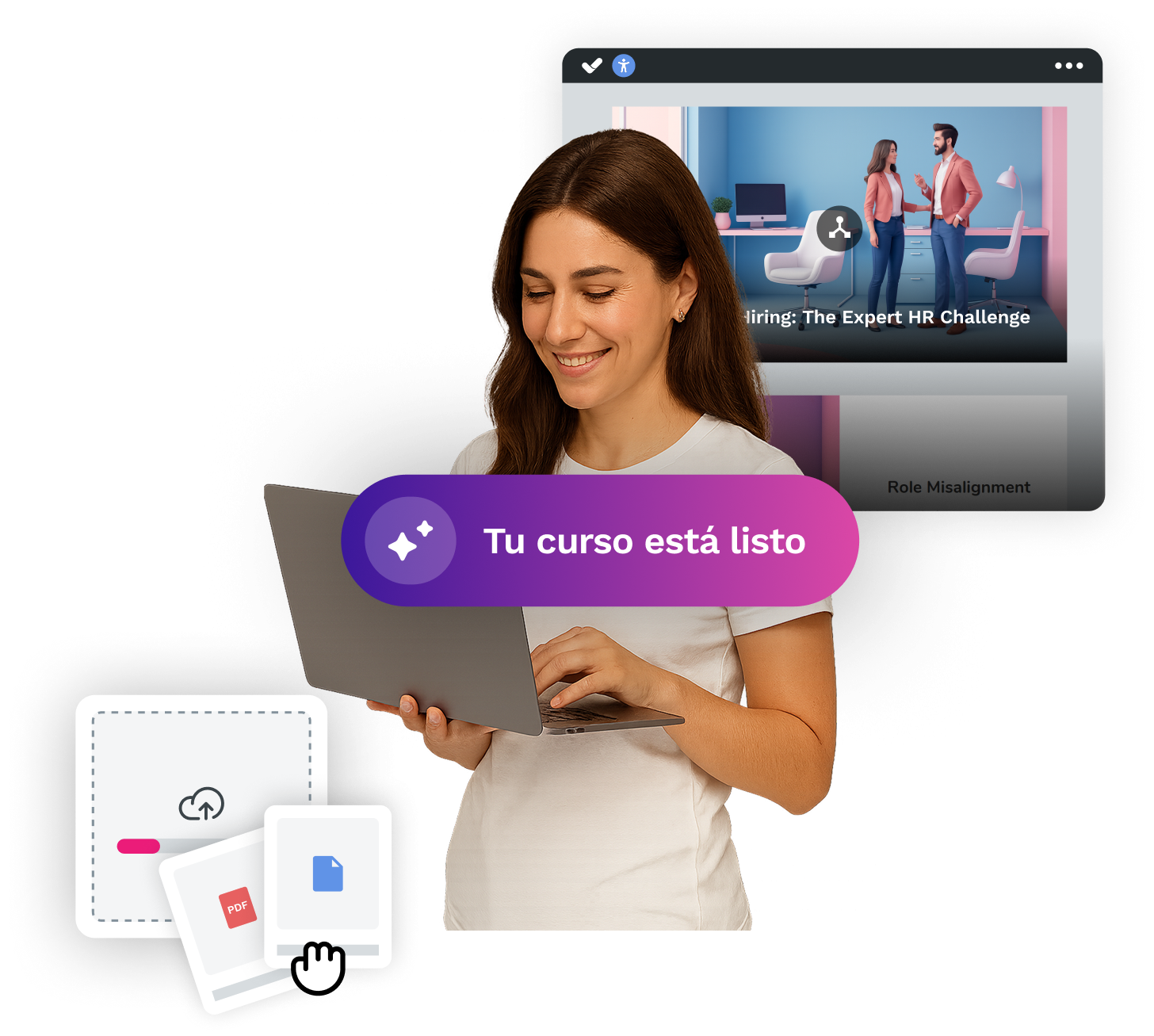

¿Cómo puede ayudarte la IA en la creación de cursos?
Descubre las potentes funcionalidades de IA de isEazy Author.


¿Cómo puede ayudarte la IA en la creación de cursos?
Descubre las potentes funcionalidades de IA de isEazy Author.
Related articles


