Brain
The first AI trained to teach

Author
The #1 AI-powered authoring tool on the market

Factory
Custom e-learning content factory

Skills
Comprehensive power skills course catalog

LMS
All-in-one LMS platform with AI

Engage
App for managing frontline teams
Product

What is Brain?
Everything you need to know about the first AI trained to teach.

Learning agent: CompanionNew
Supports learners and answers their questions right inside the course, without breaking the audit trail.

How does it work?
Adaptive, conversational, and contextual. That’s learning with Brain.

FEATURES

AINew
Unlock your full potential and speed up course creation with artificial intelligence.

Accessibility
Automatically meet accessibility guidelines—without sacrificing interactivity!

Interactivity
Boost engagement with interactive, ready-to-use activities that make learning fun.

Course Creation
Reduce the time it takes to create your e-learning courses with our authoring tool.

Distribution
We offer you different distribution options, so that nothing can stop you.

SCORM
Publish your course in SCORM format and share it on any LMS.

SERVICES

Instrucional Design
Surprise your students with multimedia and interactive content.

Custom Courses
We create e-learning courses for you—tailored to your needs and hassle-free!

Virtual Reality
Turn learning into an immersive experience.

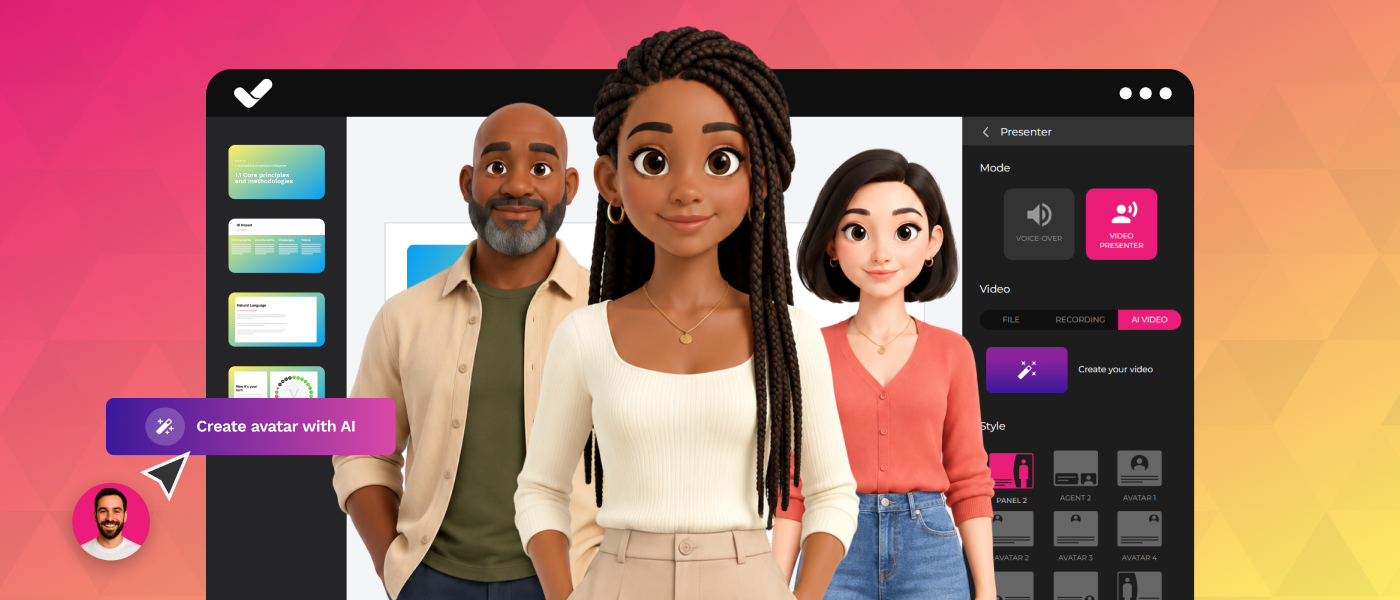
Custom Avatars
Give your courses and videos a unique touch with personalized avatars.

Audiovisual FactoryNew
Turn training into something dynamic and visual with engaging videos.

CATALOG

Course catalog
Over 600 skills and competency courses to help you adapt to your team's needs.
Microsoft Copilot AcademyNew
Your professionals will learn how to apply Copilot AI to key processes within your organization.

Artificial Intelligence Academy
Train your teams in the practical use of AI to boost productivity and innovation in your company.

Cybersecurity Academy
Capacita a tu empresa con el catálogo más completo en seguridad digital corporativa.


Use cases
Choose the solution that best fits your needs

Industries
Solutions for all types of industries
USE CASES

Onboarding
Facilitate the onboarding process, productivity and engagement of your new employees.

Upskilling
Boost your team's skills and prepare them for the challenges of the future with upskilling.

Microlearning
Discover all the advantages of microlearning and boost your training results.

Gamification
Enjoy addictive training that will get your professionals hooked.

Internal Communication
Improve communication in your company and enjoy an aligned and committed team.

Mobile learning
Agile, flexible, and interactive learning—built for today’s digital-first workforce.
INDUSTRIES

Banking and financial services
Training in compliance, cybersecurity, customer service, and key skills development.

Pharmaceuticals and healthcare
Digital onboarding, regulatory updates, and ongoing training for healthcare staff.

Retail and consumer
Agile and scalable training for in-store, operational, and customer service teams.

Industry and manufacturing
Training in processes, safety, and corporate culture for distributed teams.

Education and training
Digital solutions for training centers, internal academies, and corporate universities.

Technology and telecommunications
Development of technical talent, digital skills, and upskilling and reskilling programs.
CLIENTS

MAPFRE
How MAPFRE turn e-learning into sales with isEazy

Pepco
A personalised learning experience for a growing team.

BBVA
Digitisation and creation of high quality e-learning content.

Shiseido
We increase the engagement of the training with a social and gamified app.

Telefónica
Large-scale reskilling for the company's digital transformation.

Vodafone
A personalised learning experience for a growing team.
More than 1,000 companies already rely on isEazy.






MEET ISEAZY

Events
Discover our upcoming events and connect with the future of e-learning.

News
Find out the latest news about isEazy: press releases, partnerships, updates...

Contact
Leave us your personal details and we will contact you as soon as possible.
About isEazyNew
Find out more about our company.

Careers
We are looking for the best talent, join our team!

Partners
Become our partner and grow your business.

INTERESTING RESOURCES

Blog
The best content on e-learning: trends, tools and key strategies.

Whitepapers
Gain valuable insights and stay ahead of industry trends.

Product releases
The latest news and releases of our e-learning products and solutions.

Glossary
Definitions of the most commonly used terms and key industry concepts.

Guides
Discover the best step-by-step tips and tricks to optimize your L&D strategy.

Webinars
Video sessions on our products, trends and more

Comparatives
Compare e-learning solutions available on the market and choose the most suitable one.


WEBINAR
Master AI in isEazy Author in under an hour.




GUIDE
Prepare your organization to comply with the new AI regulations

Stay up to date with all our latest news
 Subscribe to our newsletter
 Stay up to date with all our latest news

May 18, 2026
What’s new in isEazy Author: images, templates, text styles and more

CONTENT CREATED BY:
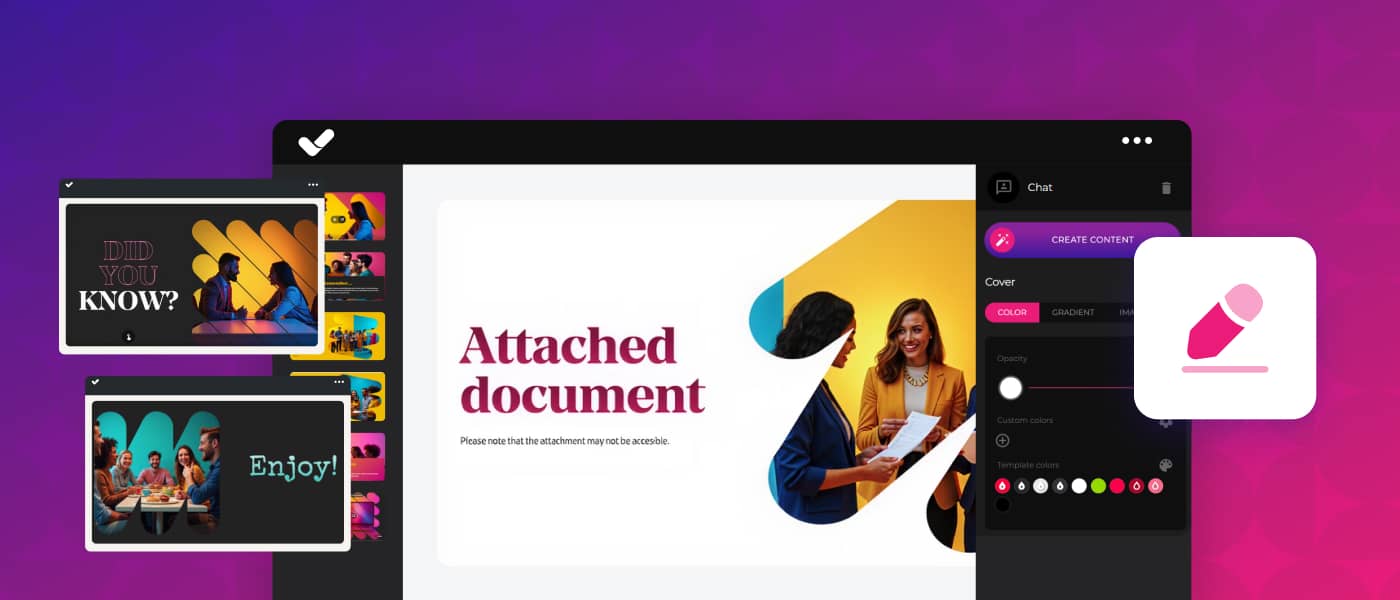
Table of contents
To create e-learning courses that truly make an impact, having clear content isn’t enough: you need to think about the learner experience, the visual design, and how to structure information so it flows naturally.
On top of that, every course is different. It has its own content, its own audience, its own style. And yet, some authoring tools work the other way around: you adapting to them, not them to you. At isEazy Author we know this, and we want you to be able to choose how your learners navigate, what visual style your course has, and how your text looks. That’s why we have great news for you!
New features are coming to your authoring tool — ones that will change the way you create, design and personalise your courses. New templates designed for AI Autopilot, a new image style for when you want to go further, more options to give your text personality, and unrestricted vertical navigation.
Want to know what’s new? Keep reading and discover everything that’s now available to you.
New templates designed for AI Autopilot
If you haven’t tried AI Autopilot yet, now is your moment. The feature is already available so you can create courses from an idea or from your documentation, with a pedagogical structure, a visual style adapted to your brand, and built-in interactivity.
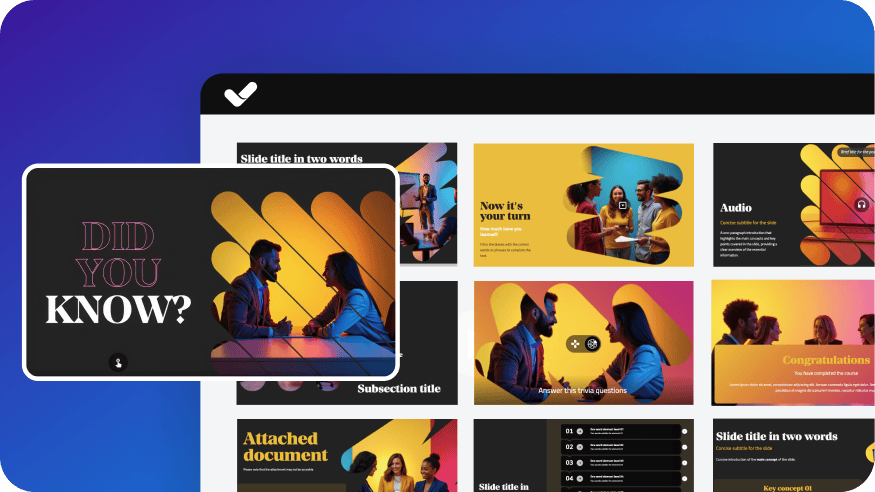
And to help you hit the ground running, we’ve designed 7 new templates created specifically for AI-generated content: Basic, Gradient, Fluor, Contrast, Sketch, Vibe and Dashboard. Each one is crafted so the visual result lives up to your content — because we know a great course also needs to look the part.
Vibrant: the new AI image style
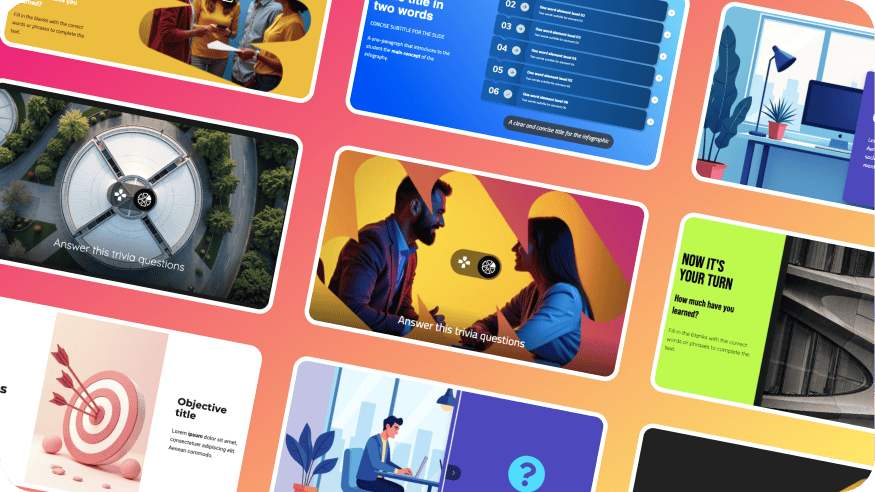
As part of the AI Autopilot creation process, we’re also introducing Vibrant — a new style for AI image generation. More powerful, more intense, and more distinctive.
Vibrant is designed for courses that need to go further: more colour, more visual impact, more punch. Perfect for bold colour palettes, or simply for when you want the images in your course to be the first thing that catches the eye.
How does it work? Just like the other styles: describe what you want and the AI will generate four different options for you to choose the one that best fits your vision. Once selected, all the image editing tools are available so you can keep refining the result to your liking. Go ahead and try it — discover what AI can do.

More personality for your text
The details are what set a decent course apart from one that truly impresses. That’s why we’ve expanded the text style options to give your content greater versatility.
In addition to the solid colour and highlight styles you already know, you can now apply three new options:
- Gradient: smooth colour transitions directly on your letters. Ideal for main headings that need to stand out.
- Outline: a defined border around the text that makes keywords or key information pop against any type of background.
- Shadow: a layer of depth and volume that makes text stand out visually and improves readability on complex backgrounds.
Small changes, big difference in how your learners perceive the content. All these styles are available directly from the text editor, without any complications.
Vertical navigation, without giving anything up
This is one of the most anticipated new features. Until now, if you wanted to create a course with vertical navigation, you had to sacrifice several functionalities. That changes now.
With isEazy Author’s improved vertical navigation, you no longer need to choose the mode before you start creating. You can build your e-learning courses as usual — with sections and subsections — and switch between classic and vertical navigation at any time, with all the features you already know available in both modes:
- No limit on slides or subsections: create courses as extensive as you need.
- Voiceover and presenters: also available in vertical mode.
- Exercises, games and interactive elements: with no restrictions based on navigation type.
- Sequential navigation and side menu: so your learners follow the path and don’t skip anything important.
- Full compatibility with your existing projects.
But beyond the technical features, what’s really interesting is what this means for instructional design. Not all content requires the same way of being consumed. Processes, compliance and guided training work better horizontally, while storytelling, soft skills and more explanatory content flow better vertically.
Now you can design the experience based on the content, not the limitations of the tool. The result? Pedagogically more effective courses and a learning experience that feels closer to what your learners consume in their daily digital lives.

And there’s more: enjoy other new features
New fonts
We’ve expanded the available font catalogue with more options: Montserrat, Poppins, Quicksand, Balsamiq and many more. More possibilities to fine-tune the visual identity of your courses and maintain consistency with your brand.
SVG and WebP image support
You can now upload images in SVG and WebP format directly to your courses. More format flexibility so you can work with the visual assets you already have, without needing to convert them.
Two-factor authentication (2FA)
Available for Enterprise accounts, two-factor authentication adds an extra layer of security to the sign-in process. In addition to the usual password, the user confirms their identity via a temporary code generated in an authenticator app such as Google Authenticator. Once set up, the process is quick and straightforward on every login.
Ready to try the new features in isEazy Author?
Log in to your account and start creating courses with the new AI Autopilot templates, experiment with Vibrant, give your text more personality, and design with the navigation freedom you’ve always wanted.
Featured articles




Generate a complete course in minutes with AI Autopilot
Start with an idea or upload your documents, choose your style, colors, template... And you're done!
Request a demo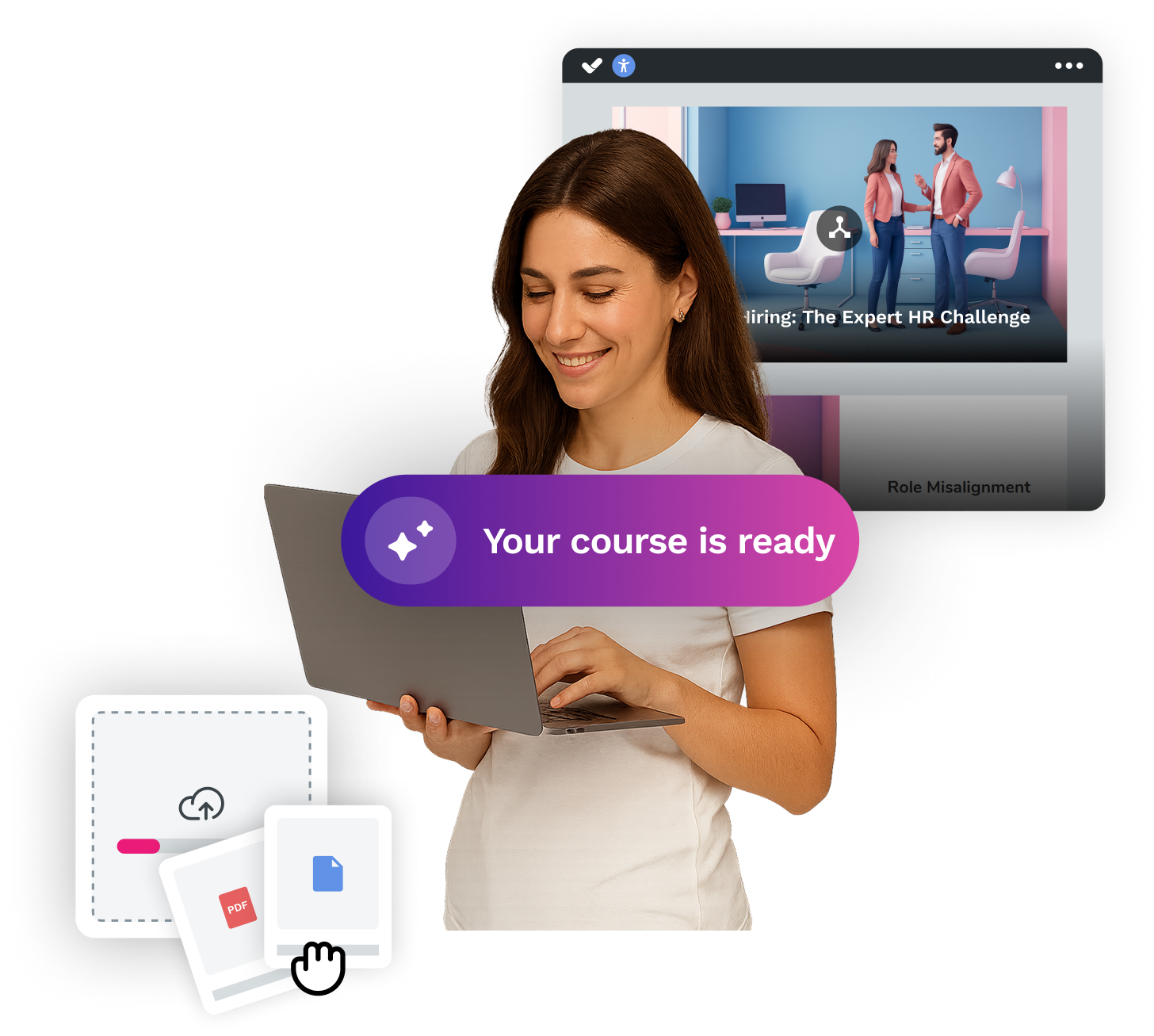


Looking for an easy, agile and efficient authoring tool?
Create accessible, engaging and dynamic e-learning courses with artificial intelligence in minutes.


Looking for an easy, agile and efficient authoring tool?
Create accessible, engaging and dynamic e-learning courses with artificial intelligence in minutes.
Related articles