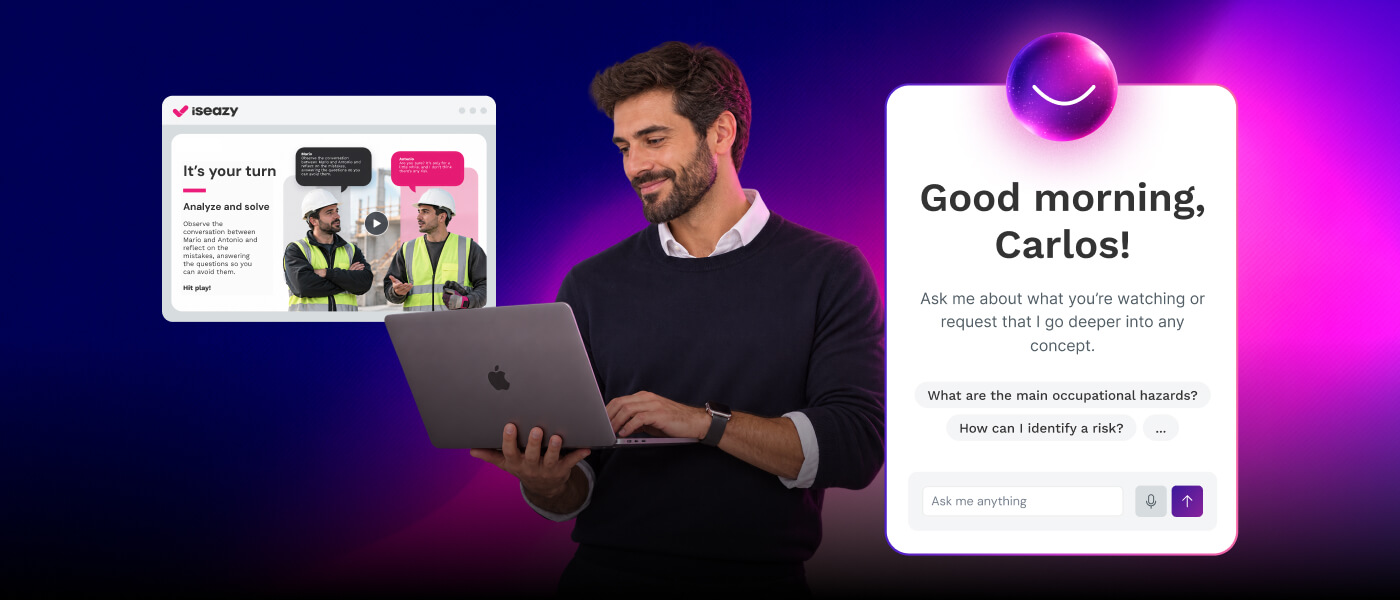
Your imagination has no limits. Now, your authoring tool doesn’t either

Brain
The first AI trained to teach

Author
The #1 AI-powered authoring tool on the market

Factory
Custom e-learning content factory

Skills
Comprehensive power skills course catalog

LMS
All-in-one LMS platform with AI

Engage
App for managing frontline teams
Product

What is Brain?
Everything you need to know about the first AI trained to teach.

How does it work?
Adaptive, conversational, and contextual. That’s learning with Brain.

Security
Why your company’s knowledge never leaves your environment or trains other models.

Comparison
Discover what sets isEazy Brain apart from other AI solutions.

Frequently Asked Questions
Want to learn more? Find answers to all your questions about isEazy Brain here.
FEATURES

AINew
Unlock your full potential and speed up course creation with artificial intelligence.

Accessibility
Automatically meet accessibility guidelines—without sacrificing interactivity!

Interactivity
Boost engagement with interactive, ready-to-use activities that make learning fun.

Course Creation
Reduce the time it takes to create your e-learning courses with our authoring tool.

Distribution
We offer you different distribution options, so that nothing can stop you.

SCORM
Publish your course in SCORM format and share it on any LMS.
SERVICES

Instrucional Design
Surprise your students with multimedia and interactive content.

Custom Courses
We create e-learning courses for you—tailored to your needs and hassle-free!

Virtual Reality
Turn learning into an immersive experience.

Custom Avatars
Give your courses and videos a unique touch with personalized avatars.

Audiovisual FactoryNew
Turn training into something dynamic and visual with engaging videos.
CATALOG

Course catalog
Over 600 skills and competency courses to help you adapt to your team's needs.
Microsoft Copilot AcademyNew
Your professionals will learn how to apply Copilot AI to key processes within your organization.

Artificial Intelligence Academy
Train your teams in the practical use of AI to boost productivity and innovation in your company.

Cybersecurity Academy
Capacita a tu empresa con el catálogo más completo en seguridad digital corporativa.
FEATURES

Learning platform
Manage all your training from one place

Analitycs
Measure the impact of your training

Learning Experience
Offer a unique learning experience to your team
Content Library
Choose from hundreds of expert-created courses
Authoring Tool
Create your own content—faster than ever

Use cases
Choose the solution that best fits your needs

Industries
Solutions for all types of industries
USE CASES

Onboarding
Facilitate the onboarding process, productivity and engagement of your new employees.

Upskilling
Boost your team's skills and prepare them for the challenges of the future with upskilling.

Microlearning
Discover all the advantages of microlearning and boost your training results.

Gamification
Enjoy addictive training that will get your professionals hooked.

Internal Communication
Improve communication in your company and enjoy an aligned and committed team.

Mobile learning
Agile, flexible, and interactive learning—built for today’s digital-first workforce.
INDUSTRIES

Banking and financial services
Training in compliance, cybersecurity, customer service, and key skills development.

Pharmaceuticals and healthcare
Digital onboarding, regulatory updates, and ongoing training for healthcare staff.

Retail and consumer
Agile and scalable training for in-store, operational, and customer service teams.

Industry and manufacturing
Training in processes, safety, and corporate culture for distributed teams.

Education and training
Digital solutions for training centers, internal academies, and corporate universities.

Technology and telecommunications
Development of technical talent, digital skills, and upskilling and reskilling programs.
CLIENTS

MAPFRE
How MAPFRE turn e-learning into sales with isEazy

Pepco
A personalised learning experience for a growing team.

BBVA
Digitisation and creation of high quality e-learning content.

Shiseido
We increase the engagement of the training with a social and gamified app.

Telefónica
Large-scale reskilling for the company's digital transformation.

Vodafone
A personalised learning experience for a growing team.
More than 1,000 companies already rely on isEazy.





MEET ISEAZY

Events
Discover our upcoming events and connect with the future of e-learning.

News
Find out the latest news about isEazy: press releases, partnerships, updates...

Contact
Leave us your personal details and we will contact you as soon as possible.
About isEazyNew
Find out more about our company.

Careers
We are looking for the best talent, join our team!

Partners
Become our partner and grow your business.
INTERESTING RESOURCES

Blog
The best content on e-learning: trends, tools and key strategies.

Whitepapers
Gain valuable insights and stay ahead of industry trends.

Product releases
The latest news and releases of our e-learning products and solutions.

Glossary
Definitions of the most commonly used terms and key industry concepts.

Guides
Discover the best step-by-step tips and tricks to optimize your L&D strategy.

Webinars
Video sessions on our products, trends and more

Comparatives
Compare e-learning solutions available on the market and choose the most suitable one.


WEBINAR
Master AI in isEazy Author in under an hour.




GUIDE
Prepare your organization to comply with the new AI regulations

Stay up to date with all our latest news
 Subscribe to our newsletter
 Stay up to date with all our latest news

March 31, 2026

CONTENT CREATED BY:

Table of contents
Converting a PDF to SCORM means transforming a static document — a manual, a procedure, an onboarding guide — into an interactive e-learning course that can be distributed through any LMS. The result isn’t simply the same content repackaged: it’s a learning experience with progress tracking, activities, and real measurement.
For training managers, this step means going from having information to having actual training. And with AI, that step can be taken in a matter of minutes.

PDFs remain one of the most widely used formats in corporate training. Manuals, procedures, onboarding… They’re useful for storing and conveying information, but they have a structural problem: a PDF is not training. It’s information.
Distributing a PDF as training content has concrete shortcomings that affect real learning impact:
SCORM solves all of these limitations. And today, converting a PDF to SCORM doesn’t require manual design or technical knowledge — AI does the heavy lifting.

isEazy Author is an authoring tool that includes AI Autopilot, an artificial intelligence feature that automatically converts documents into interactive courses. The process is straightforward:
Access isEazy Author and upload your document. The tool accepts PDF, PowerPoint, and other common corporate training document formats. You don’t need to prepare or adapt the file beforehand.
AI Autopilot analyses the document and automatically generates a pedagogically structured didactic framework: it divides the content into thematic blocks, organises the learning flow, and selects the most effective resource type for each section — games, comparisons, videos, role plays, assessments — without you having to make any technical decisions.
The generated course is fully editable. You can modify the block order, adjust the tone, add images or additional resources, and customise the design with your corporate identity. Final control is always yours.
Once the content is validated, export the course as SCORM 1.2 or SCORM 2004 with a single click and upload it to your LMS. From that point on, you have full tracking: time spent, completion rate, activity results, and per-user data.

There are several methods for turning a PDF into a SCORM package. The difference between them isn’t just in the technical result, but in the quality of learning they generate and the effort they require:
| Method | Result | Effort required |
|---|---|---|
| Manual conversion (screenshots) | PDF packaged as images in SCORM. No real interactivity, no assessment. | High — slide-by-slide design |
| Basic conversion tool (PDF2SCORM, etc.) | PDF converted to static slides with basic SCORM navigation. | Low — but the result is a dressed-up PDF |
| AI-powered authoring tool (isEazy Author + AI Autopilot) | Real interactive course with activities, assessment, and AI-generated pedagogical design. | Very low — AI handles the structural work |
One of the most common misconceptions when talking about AI in content creation is the assumption that the result is generic or that creative control disappears. With AI Autopilot, the division of labour is clear:
The result is a course that AI builds and you sign off on. For L&D teams working with large volumes of content — onboarding, compliance, product updates — this combination can significantly multiply production capacity.
Your imagination has no limits. Now, your authoring tool doesn’t either
Discover the new AI Autopilot from isEazy Author


Not every PDF deserves to be converted. And conversion isn’t always the best option. This distinction is key for L&D managers who need to make decisions based on pedagogical criteria, not just operational ones.
A practical rule of thumb: if the PDF already works as a reference for employees, convert it. If you need the training to change something in behaviour or skills, design the course from scratch with the right learning structure.
Beyond the change of format, converting a PDF to SCORM has a direct impact on the effectiveness of corporate training:
Not all SCORM packages are equal. A high-quality SCORM package converted from a PDF must meet at least these criteria:
| Criterion | Why it matters | How isEazy Author solves it |
|---|---|---|
| Pedagogical structure | Content must have a logical learning flow, not just a sequence of pages | AI Autopilot reorganises content with didactic logic |
| Real interactivity | Activities and assessments, not just slide navigation | Automatically generates exercises, games, and assessments |
| SCORM 1.2/2004 compatibility | Guarantees operation in any LMS | Native export in both versions |
The quality of the SCORM you get depends largely on the tool you use to create it. Not all authoring tools are equal: some are designed to convert documents quickly and at scale, others prioritise visual design, and others — like isEazy Author — combine AI, interactivity, and SCORM export in a single workflow.
Below you can compare the main options on the market and their key differences:

Features
Benefits
Pricing
Accessibility
Awards
Features
Benefits
Pricing
Accessibility
Awards

Features
Benefits
Pricing
Features
Benefits
Pricing
Features
Benefits
Subscription plans
Features
Benefits
Subscription plans
If you have training documents that have been gathering dust in a shared folder for years — onboarding manuals, procedure guides, compliance materials — you already have everything you need to start creating real training.
With isEazy Author and AI Autopilot, the process is as straightforward as uploading the PDF and reviewing what the AI has built for you: pedagogical structure, interactivity, assessment, and design all included. In under 10 minutes you have a course ready to publish in your LMS.
Want to see it in action with your own content? Request a personalised demo of isEazy Author and we’ll show you how to transform your documents into training that actually works.
Yes. With AI Autopilot in isEazy Author, you can upload your PDF and automatically generate a complete course — including pedagogical structure, interactivity, and design. The difference from traditional conversions is that the AI doesn’t just “package” the document: it reinterprets it and transforms it into a real learning experience.
You need an authoring tool with SCORM export capability and, if you want to automate the process, built-in artificial intelligence. isEazy Author with AI Autopilot is designed exactly for this: upload your document, let the AI generate the course, and export it as a SCORM package ready for any LMS.
In most cases, SCORM 1.2 is the safest option due to its compatibility with different LMS platforms. SCORM 2004 offers more tracking possibilities, but not all systems support it correctly, so it’s worth checking before choosing.
Yes, but in that case you won’t be taking advantage of the benefits of e-learning. The PDF will work as a reference document, but you won’t be able to track progress or obtain learning data. That’s exactly what SCORM provides — and what AI Autopilot lets you generate automatically.
No. All you need is an idea or a document along with some basic inputs, and the AI generates the course automatically. It’s designed for teams who want to create quality content without relying on specialised technical profiles.
Converting a PDF to SCORM makes sense when the content is already well structured, accurate, and only needs interactivity and tracking. It’s the ideal option for procedure manuals, regulations, onboarding guides, or existing technical materials. On the other hand, building from scratch is more appropriate when the content is complex, requires a deep pedagogical narrative, or needs custom multimedia resources that don’t exist in the original document. A useful rule of thumb: if the PDF already works as a reference for employees, convert it. If you need to motivate or change behaviours, design the course from scratch with a specific learning structure.
With traditional conversion methods, updating the PDF means repeating the entire process from scratch: reconverting, adding interactivity, and republishing. With isEazy Author, the process is much more agile: you can upload the new version of the PDF, review the changes the AI generates automatically, and publish the updated version. In addition, if you manage SCORM versioning correctly in your LMS, you can maintain the progress history of previous users without losing training records.

WEBINAR
Master AI in isEazy Author in under an hour.
Register Now


Activate autopilot and create courses at AI speed
Transform your ideas or documents into spectacular courses automatically, with the #1 AI authoring tool on the market.
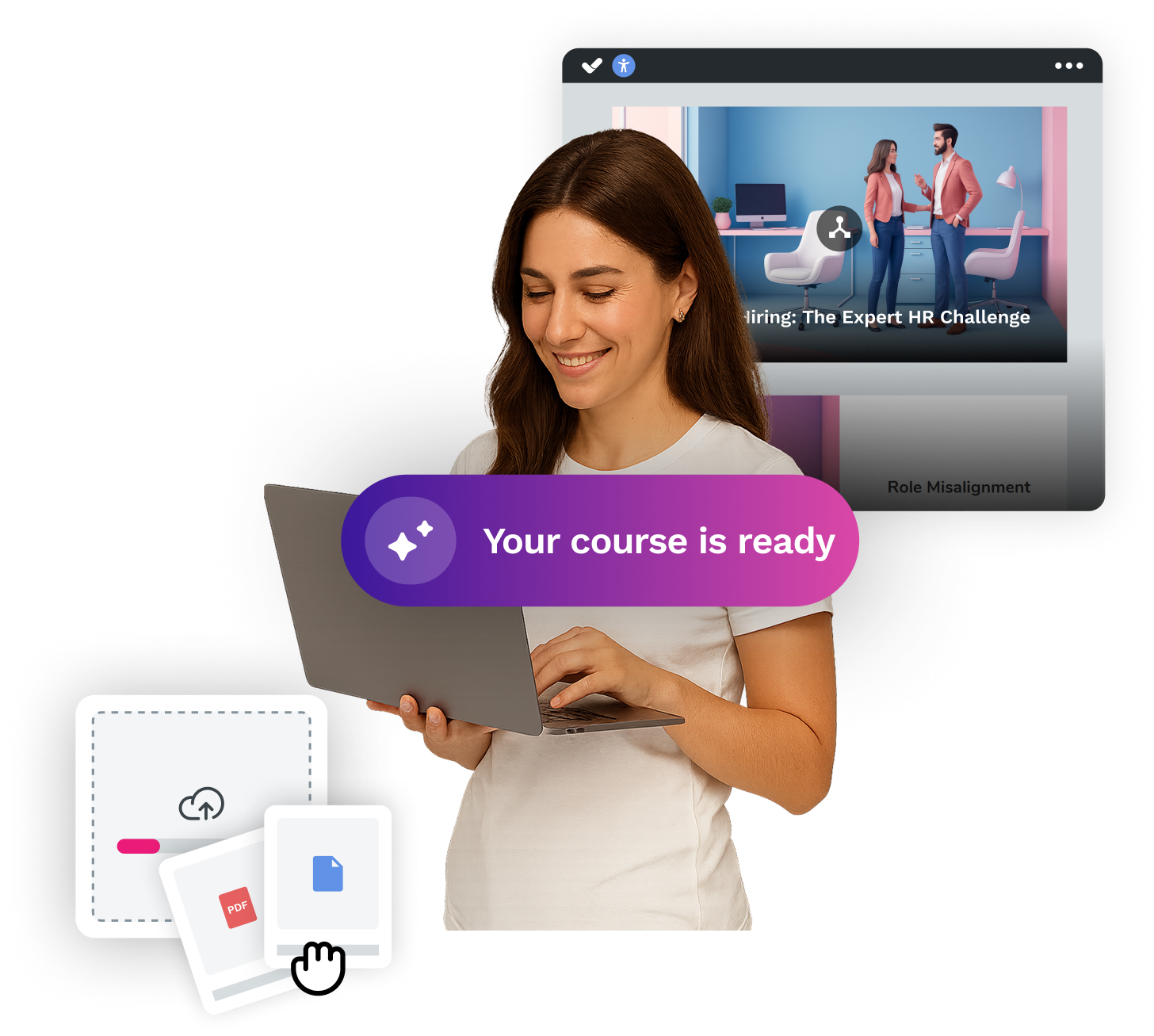


Activate autopilot and create courses at AI speed
Transform your ideas or documents into spectacular courses automatically, with the #1 AI authoring tool on the market.